
By byCarvalho · · All guides
The short answer
The off-season is the best time to work on a golf course website: the team has time, nothing is at stake, and golfers start planning their season, booking and buying memberships in early spring. Use the winter to check five things: that booking works well on a phone, that memberships can be bought online, that rates and details are current everywhere, that the photos show the course at its best, and that you can measure what the website brings in.
Why work on the website in the off-season?
In season, the website competes with the tee sheet, the pro shop and the course for your team’s time. Over the winter there’s room to plan properly, and changes go live before golfers start looking. Most website projects take six to twelve weeks, so planning in the fall and building over the winter means everything is ready before the first tee time of the year.
Booking: can a golfer book in under a minute on a phone?
Try it yourself, on your phone, as a golfer who has never been to the course:
- Is there a booking button on the home page, without scrolling?
- Does booking stay on your website, or send golfers somewhere else?
- Are times, prices and cart options clear before checkout?
- Does the confirmation email look like it came from your course?
Memberships: can someone join without a phone call?
Many golfers decide on a membership in late winter and early spring. Make it easy:
- Every category, price and perk on one clear page.
- An online application, not a PDF to print and scan.
- Online renewals for current members, with reminders.
- Early-bird dates and deadlines that are easy to find.
Details: is everything current, everywhere?
Golfers, Google and AI assistants all read your details from several places. Make them match:
- Rates, hours and opening date for the new season.
- Your Google Business Profile: hours, photos, website and booking link.
- Directory and association listings, and any marketplace listings.
- Tournament and event dates for the year ahead.
Photos: do they show the course at its best?
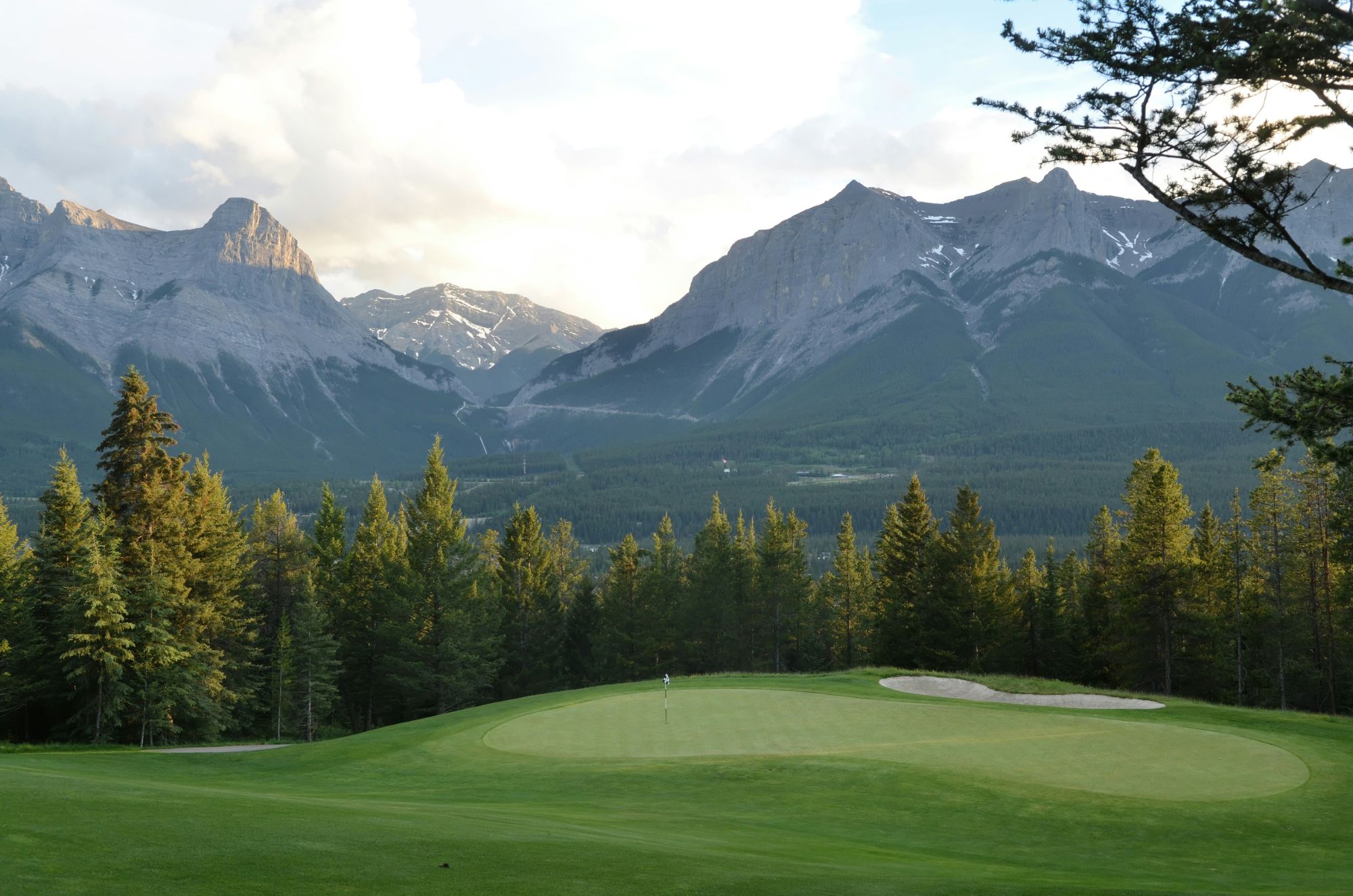
Photos are often the first thing a golfer judges a course on. If yours are from a dull day, a dry August or a phone, plan a shoot for late spring, when the course is in condition and the light is good, and use the winter to choose which holes and views to feature.
Reporting: will you know what the website brought in?
Before the season starts, make sure your analytics can answer three questions: where visitors come from, how many of them start a booking or membership application, and which pages lead to those actions. If you can’t answer them today, set up tracking now, so you have a full season of numbers to plan next winter with.
How we can help
- Websites
- Built to show off the course, not hide it.
- Tee time booking
- Golfers book on your site, not someone else’s.
- Memberships
- Applications and renewals online, not in a PDF.